Software licensing platform for Mac app builders.

Stripe handles payment. Keyco handles licensing. Customers handle activations. You build the app.

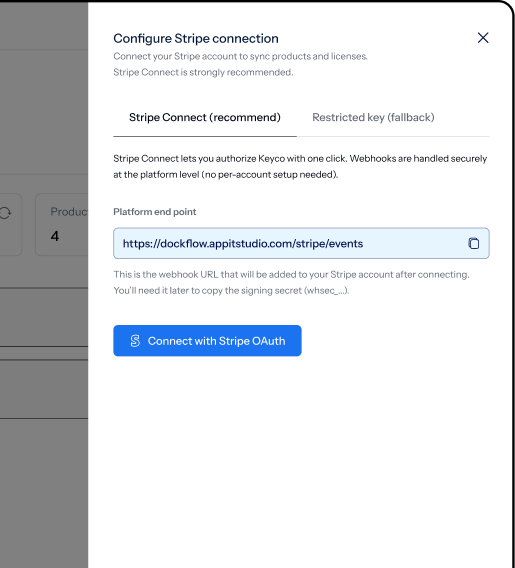
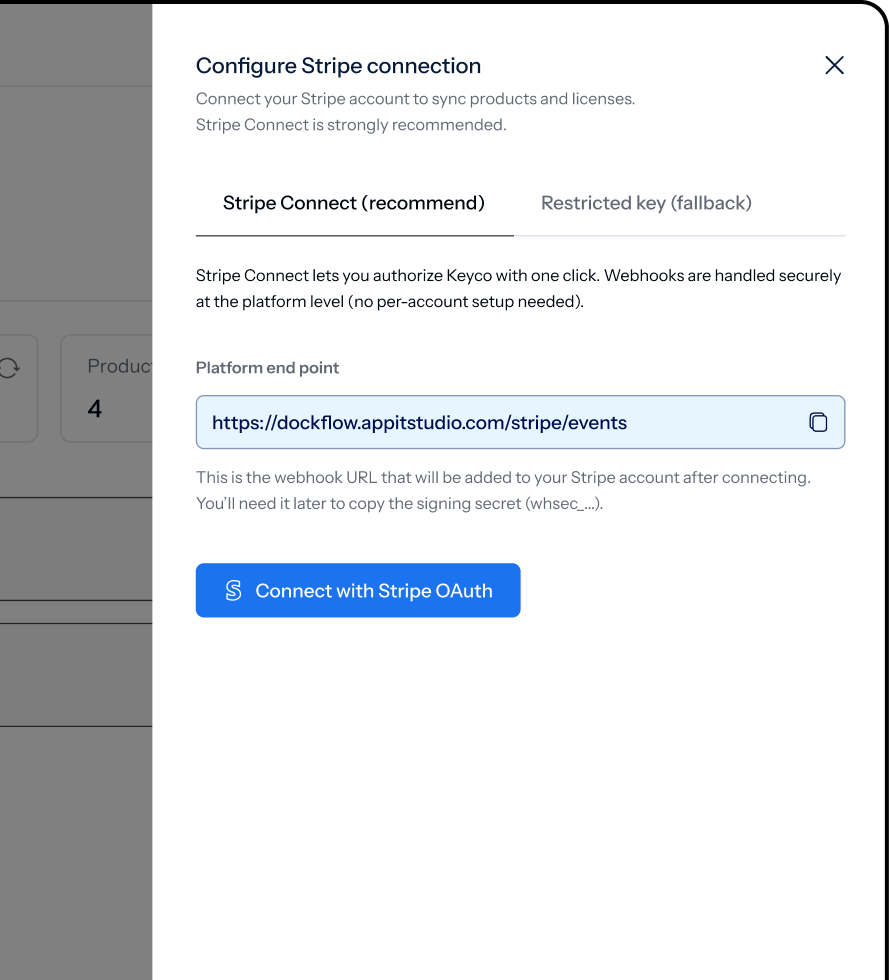
  • One-click Stripe connect
  • Vibe-coder friendly
  • 30-minute setup

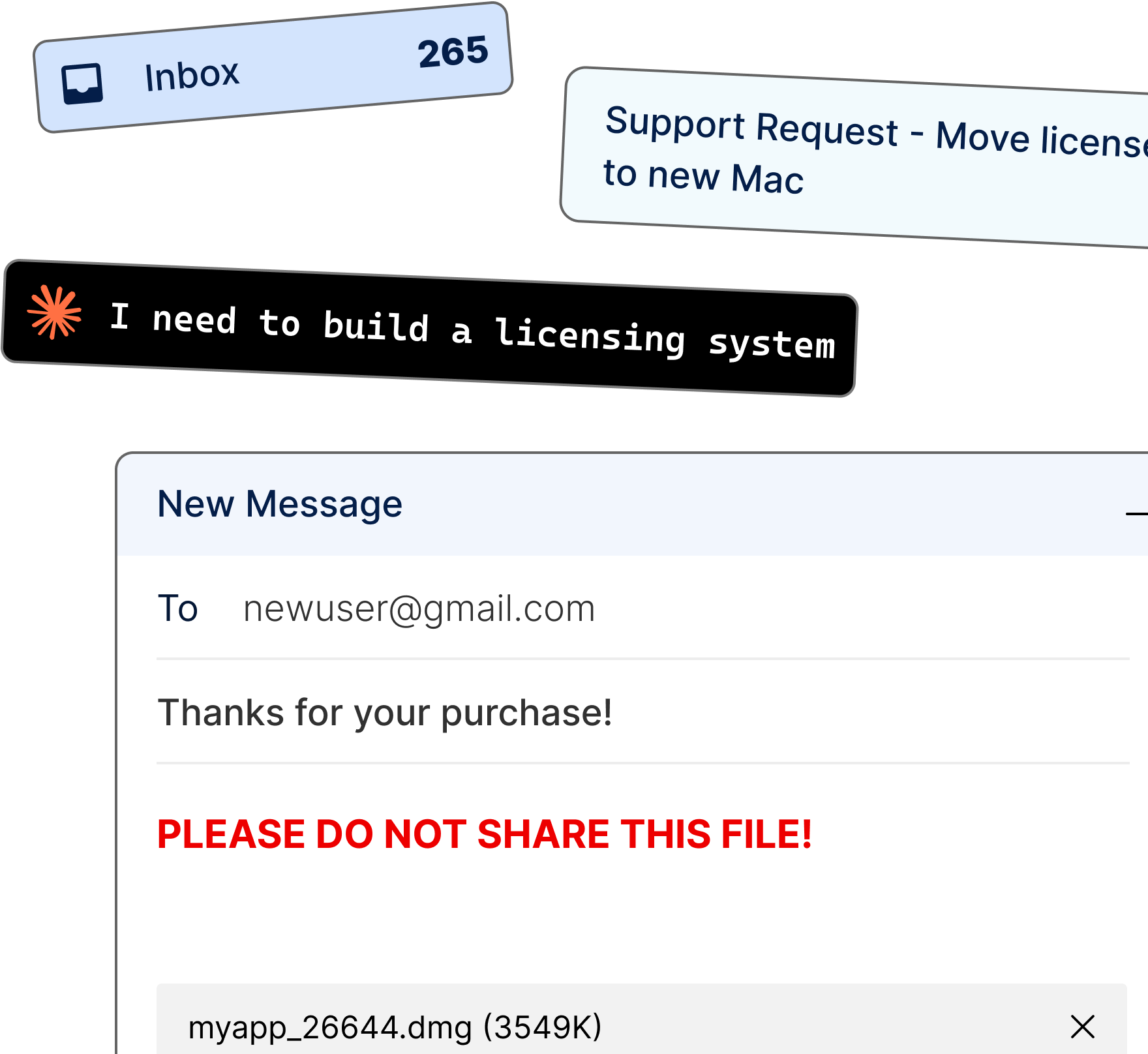
You built the app. Stripe handles the money. Who handles the license keys?

You could write your
own license server.

All you need is:

  • Stripe webhooks
  • A database
  • License activation + anti-piracy logic
  • A transactional email service (monthly bill)
  • A customer portal
  • Trial and expiration logic

None of it makes your app better.

Or you could just use Keyco.

And get:

  • Stripe-native key distribution
  • Built-in anti-piracy with secure activation
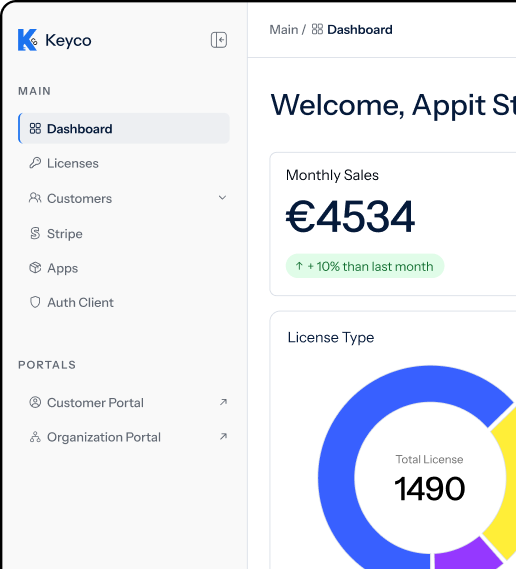
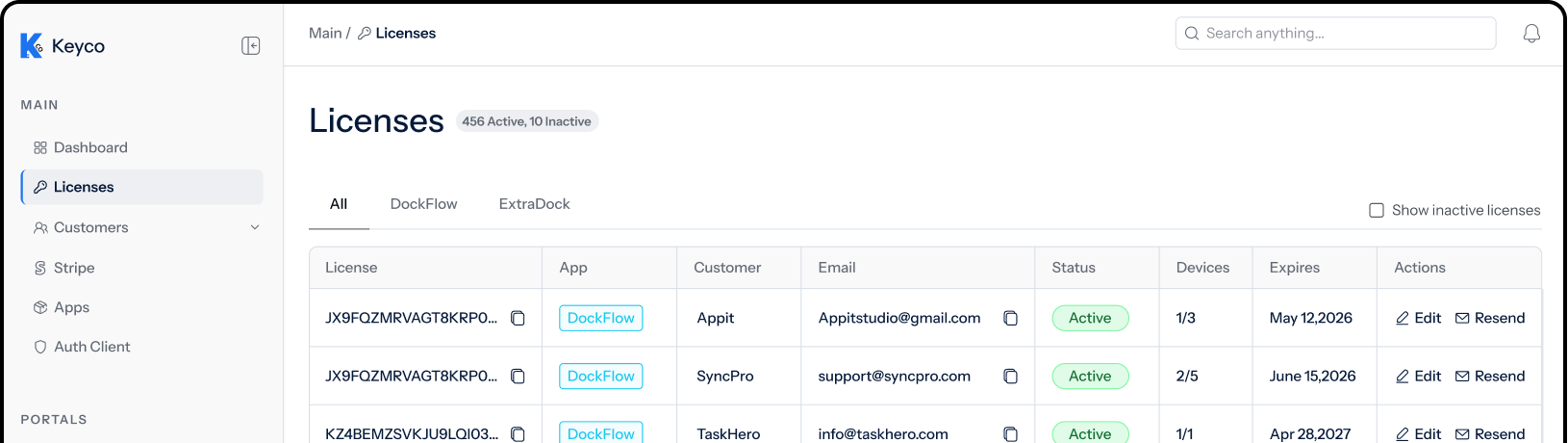
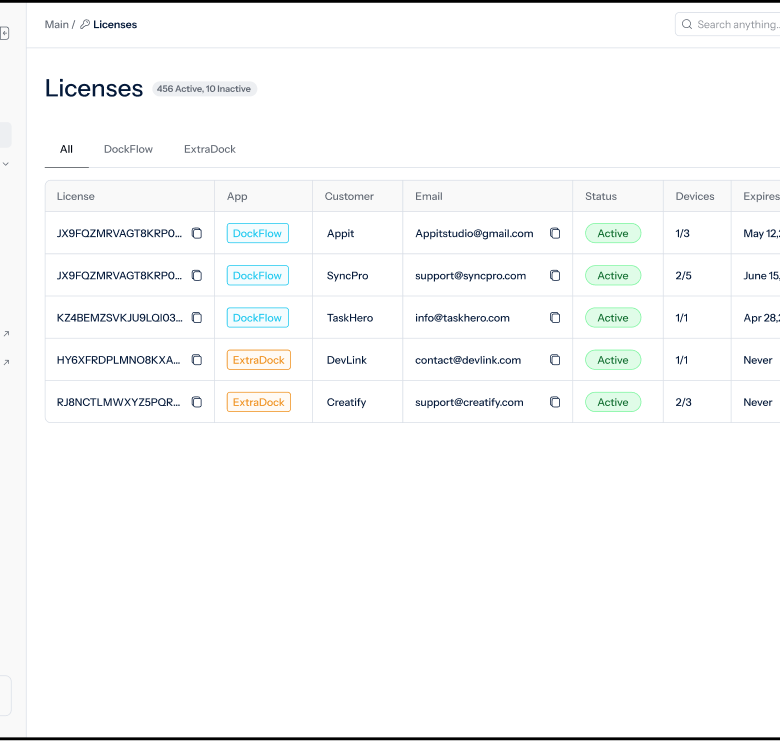
  • Customers self-service portal

All of it makes your app better.

Get Keyco

Everything you need
for Mac app license management.

Automatic License Key
Generation & Delivery

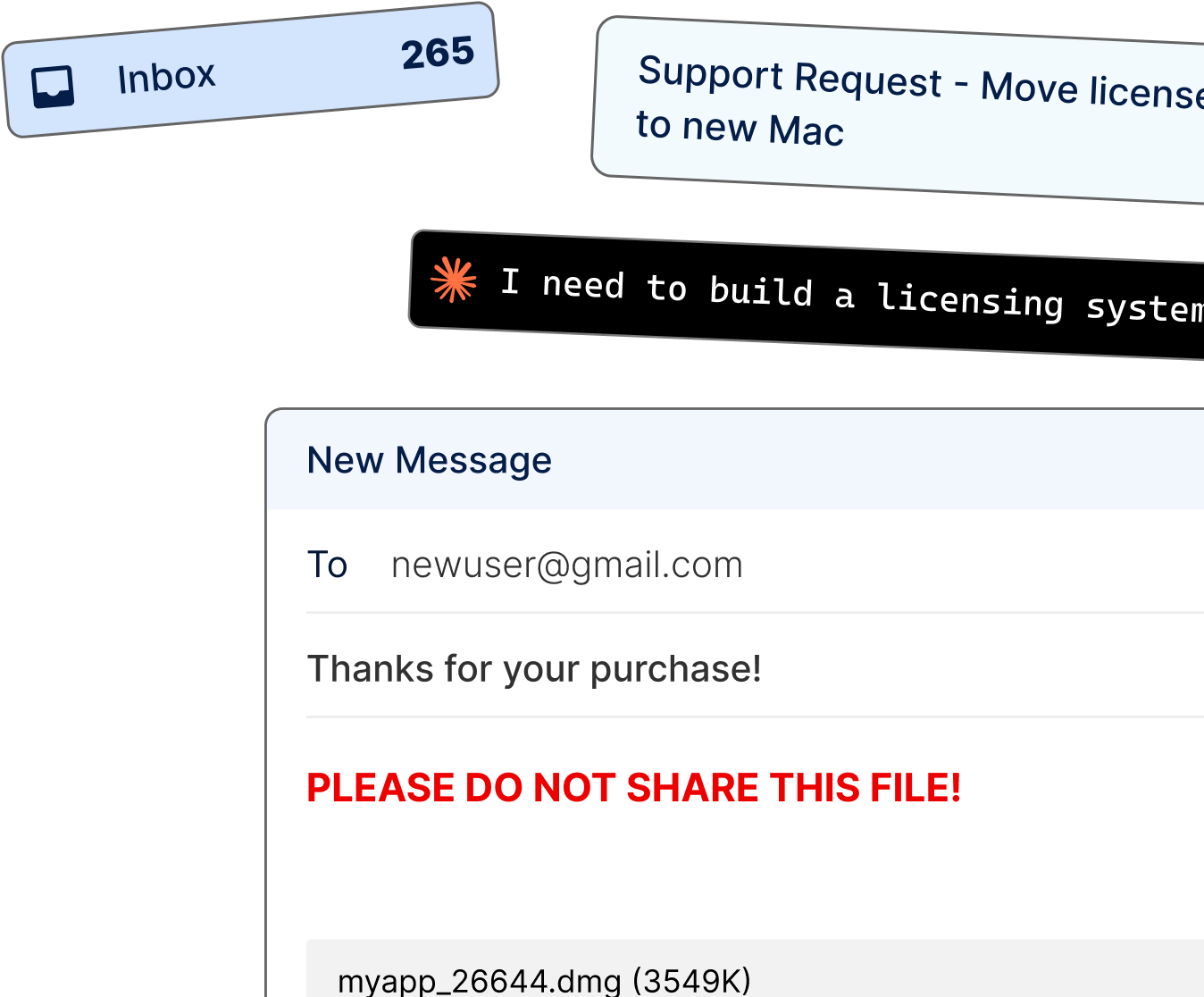
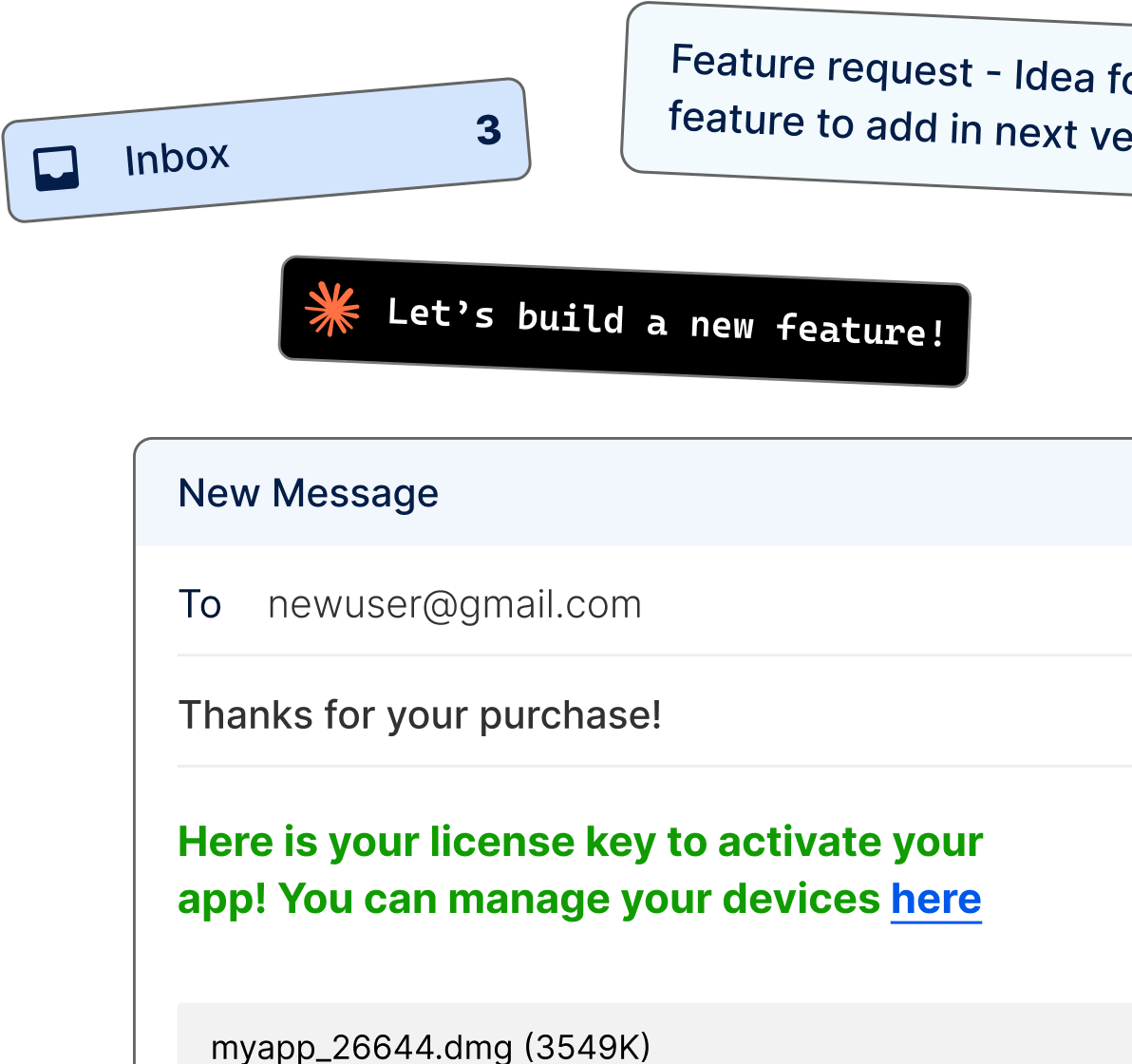
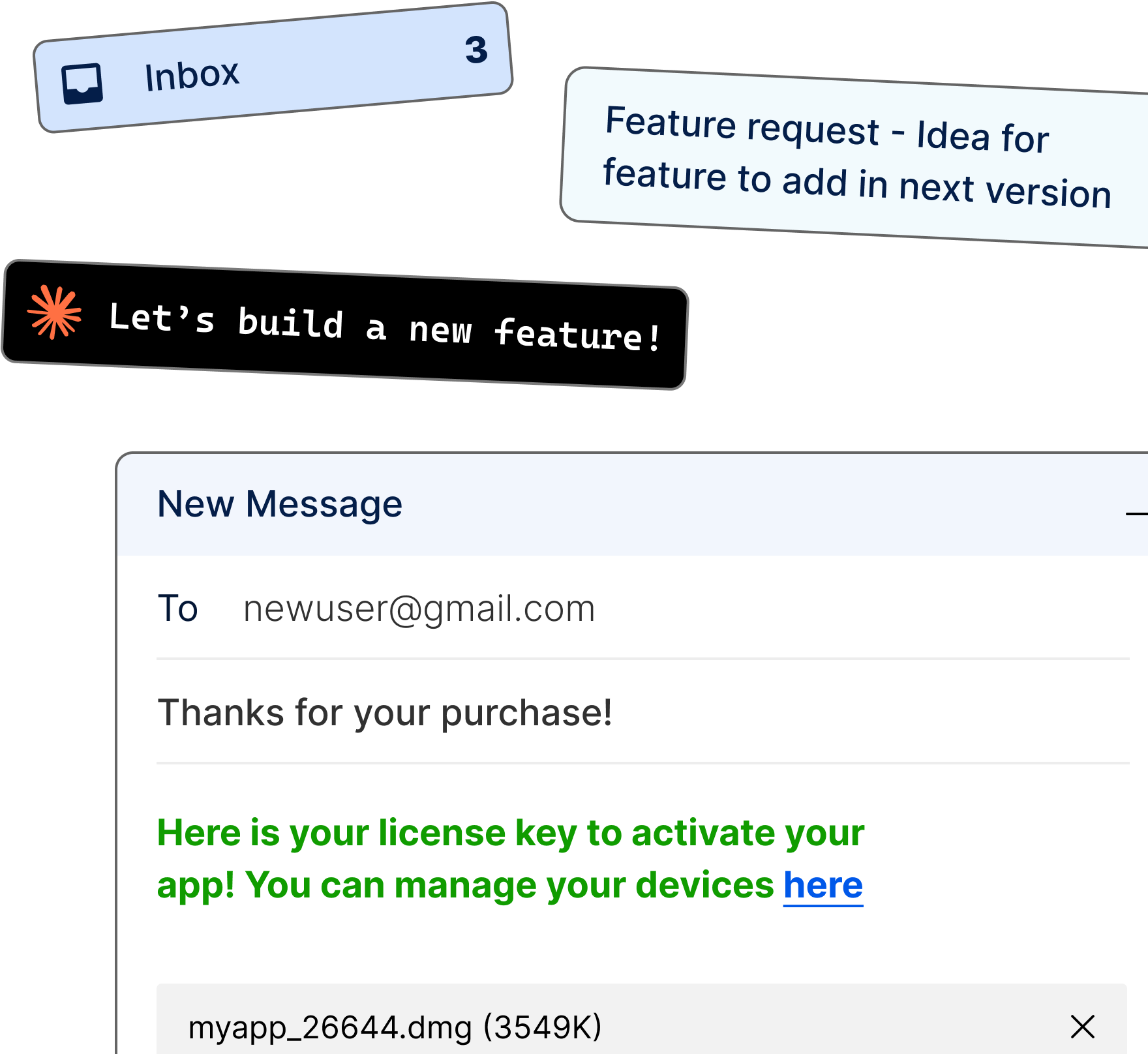
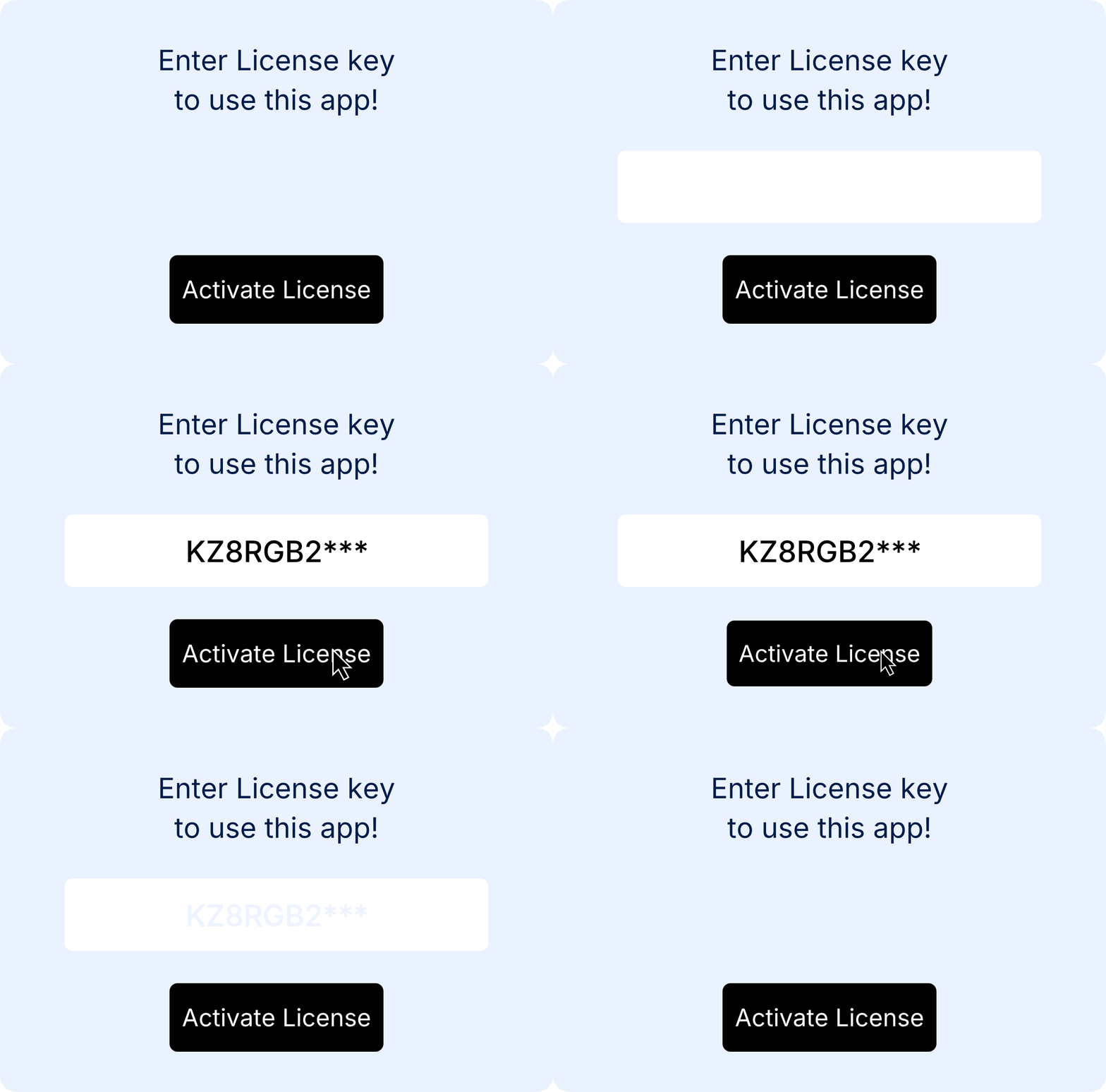
A license key is generated and emailed to your customer the moment Stripe processes the payment. They get the .dmg, the key, and instructions to activate.
App Protection

Secure activation prevents unauthorized sharing and piracy. The app can be used only with a valid key.

Customer Self-Service Portal

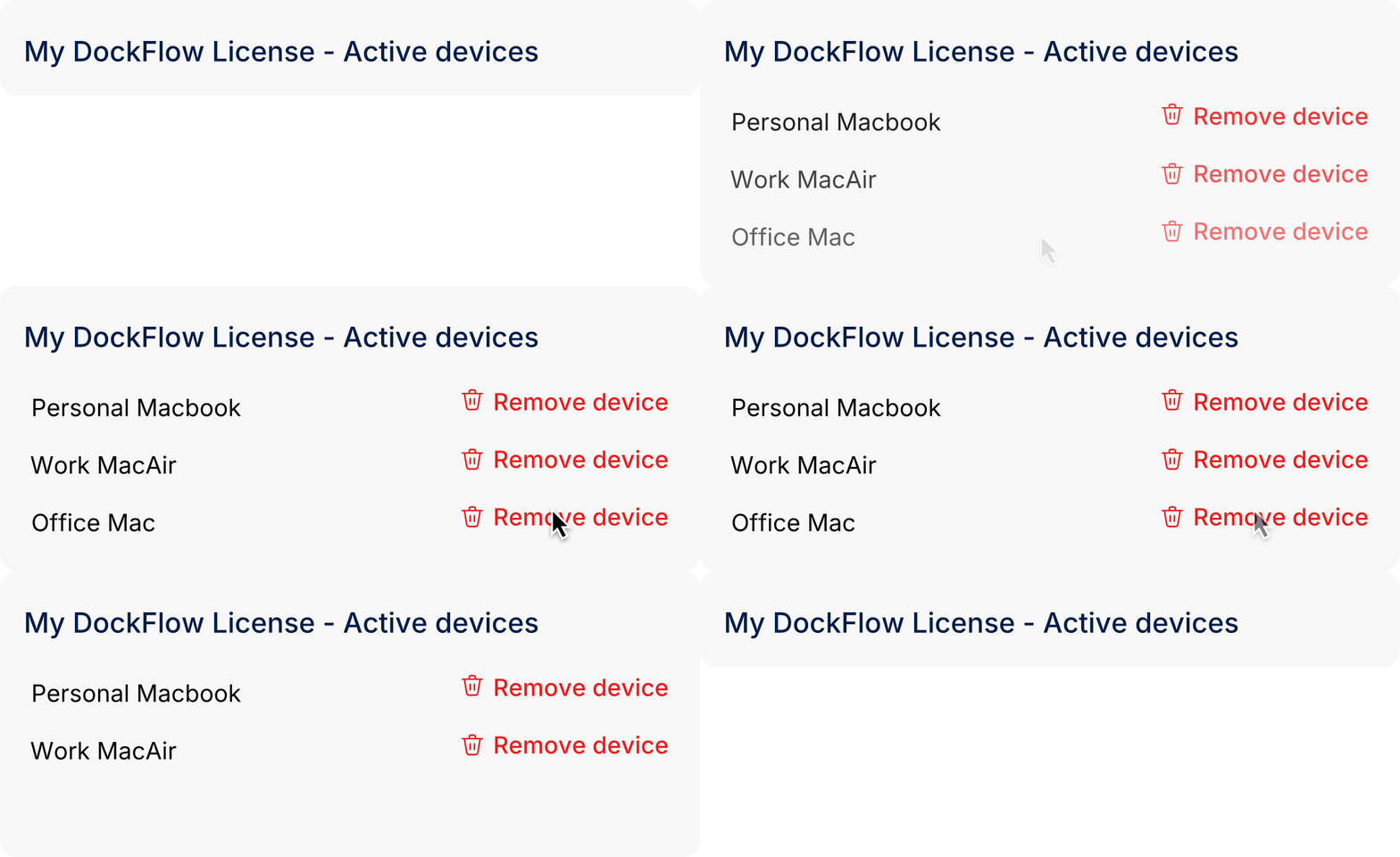
Customers manage their own keys and devices.
Your inbox stays out of it.

Flexible Licensing Model

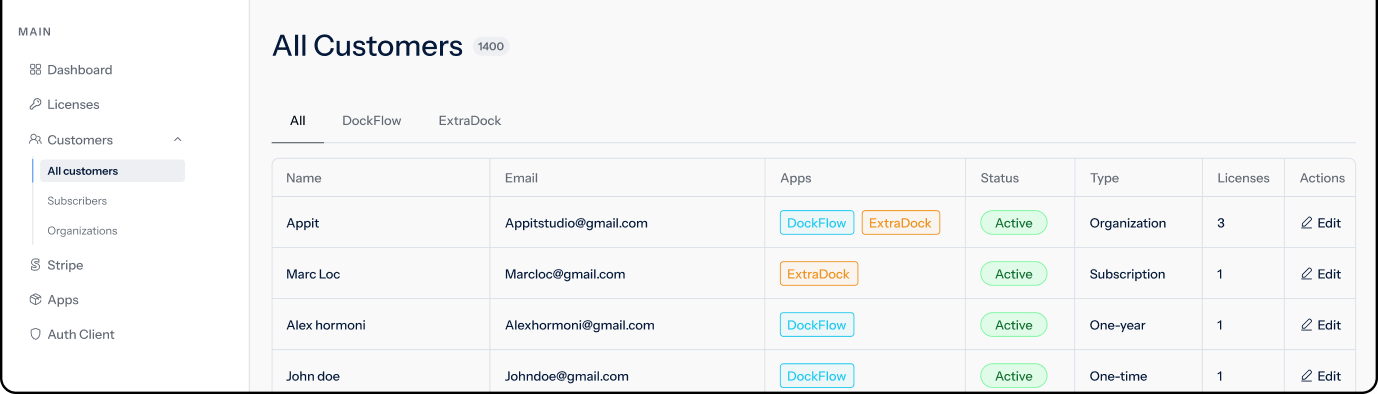
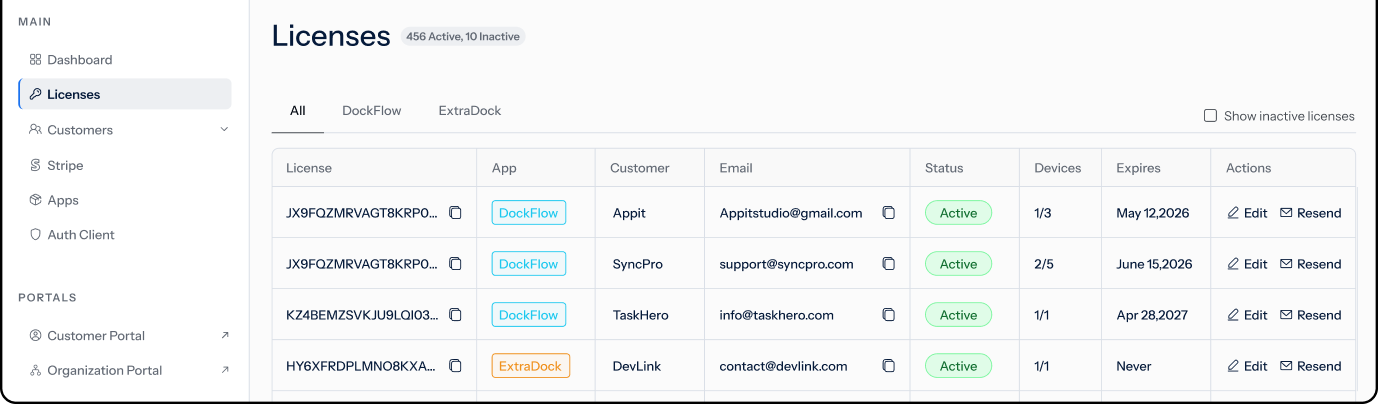
Keyco supports one-time licenses, subscriptions, limited-time keys, and team licenses for organizations — all from the same dashboard.

Analytics & Data Dashboard

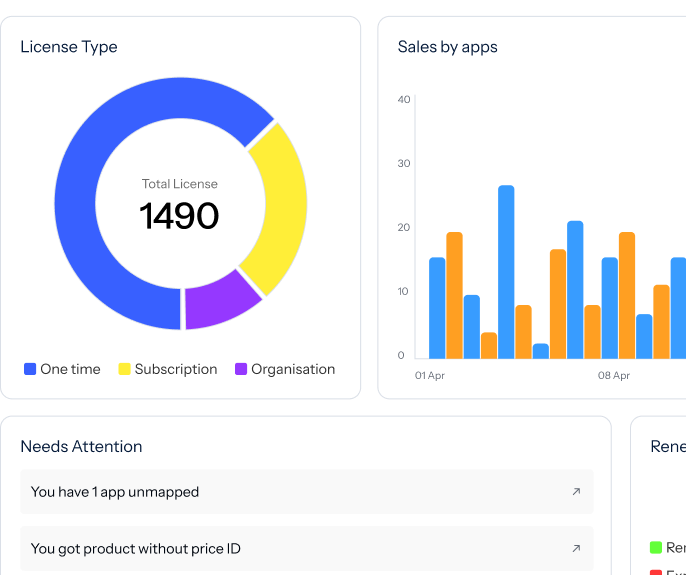
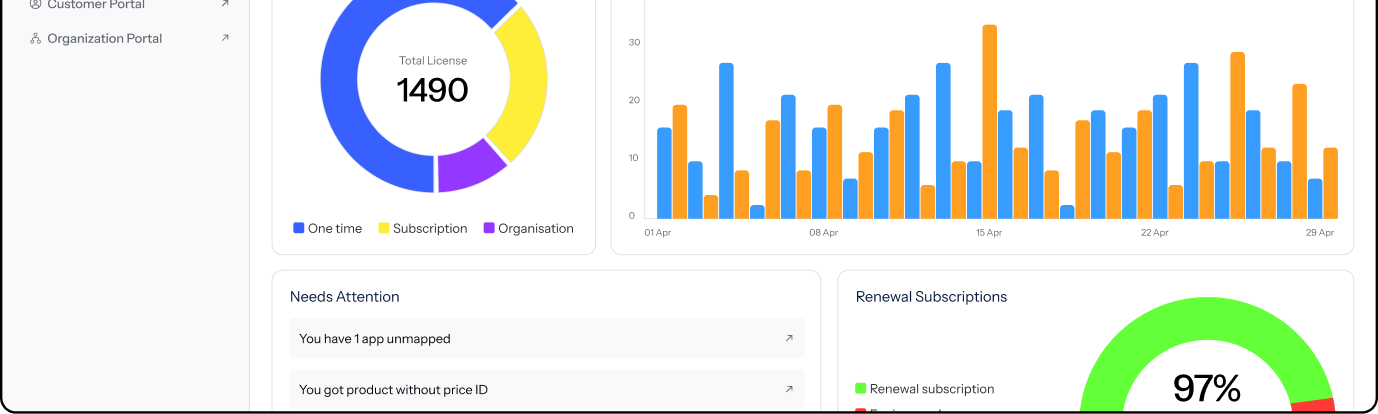
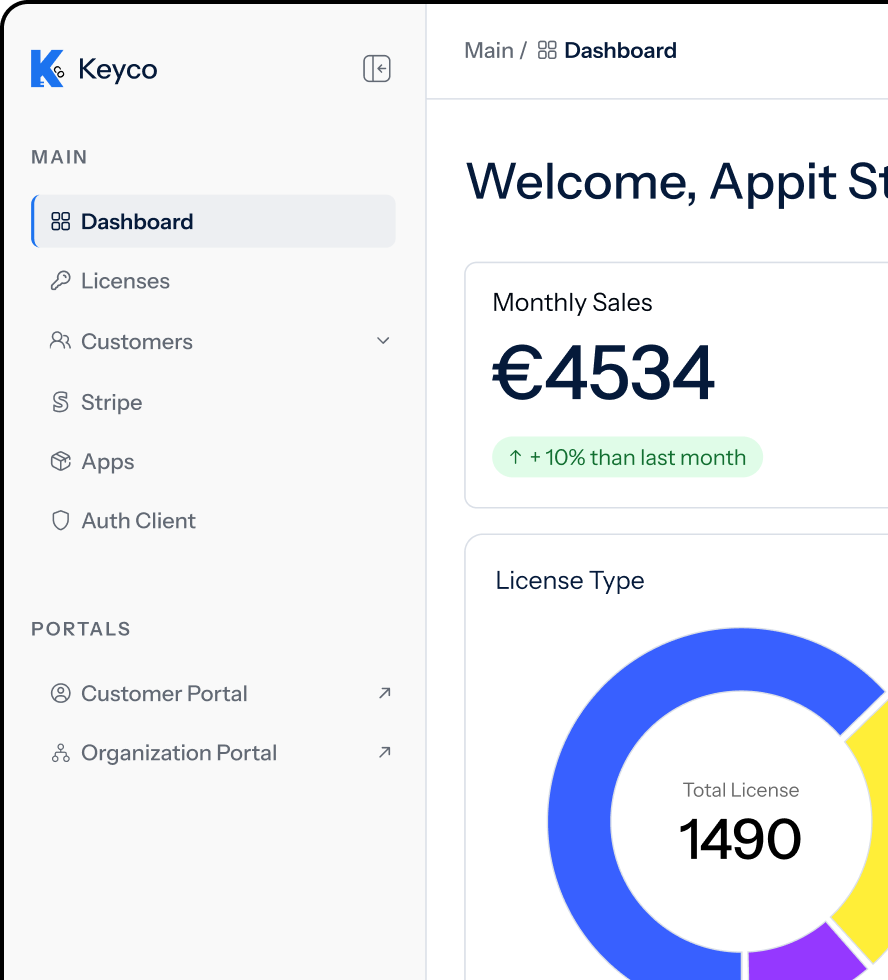
Track Stripe sales, license activations, subscription renewals, and customer activity from one dashboard. No second analytics tool to wire up.

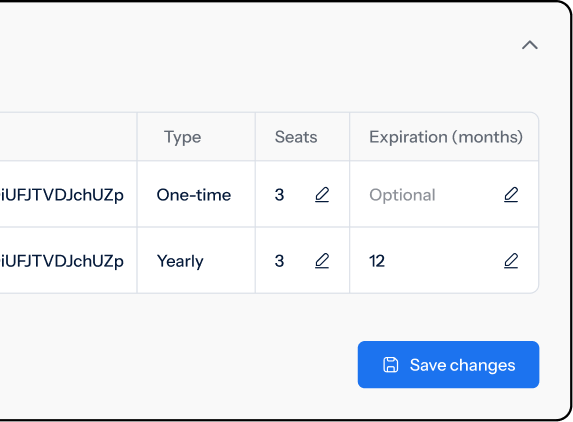
Free Trials & Seat Management

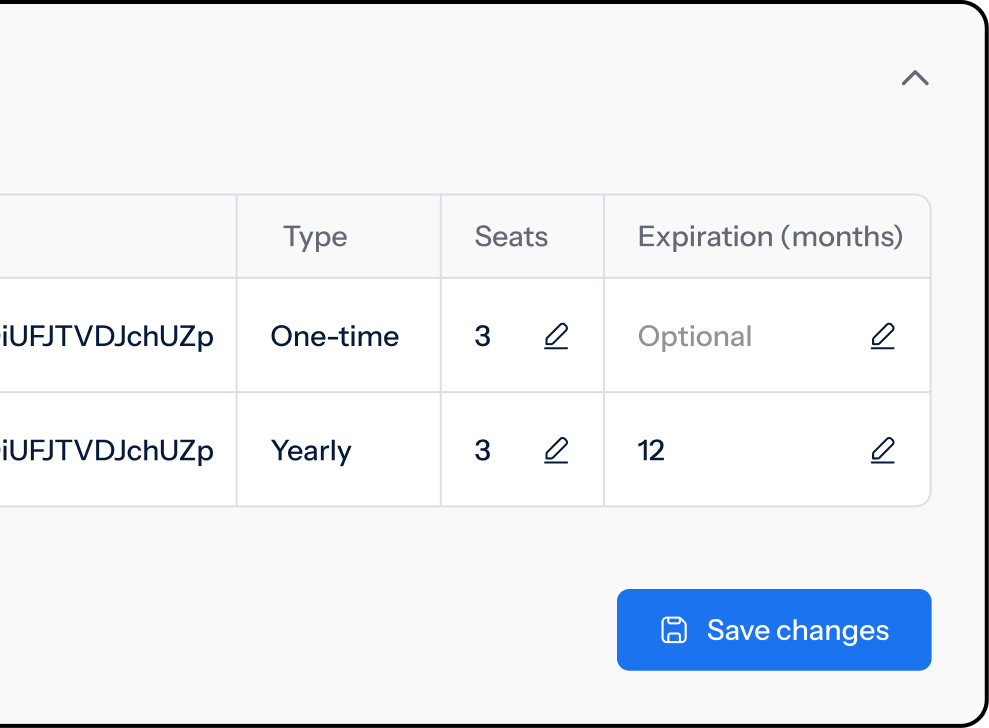
Need free trials? Set an expiration date on any license. Need seats? Same dashboard.

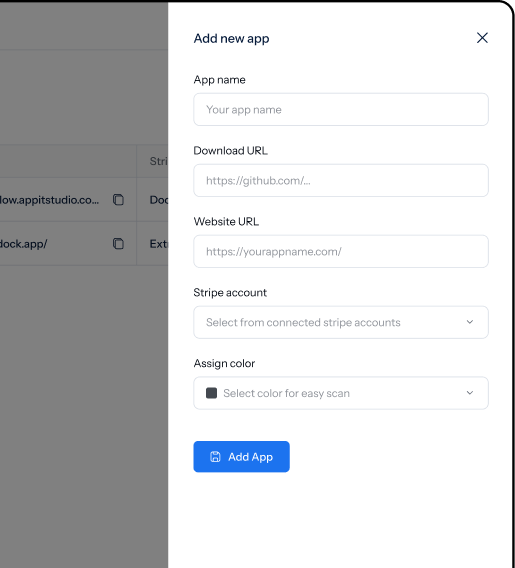
Setup in minutes.

Frequently Asked Questions

How does Keyco work?

When a customer pays through Stripe, Keyco generates a license key and emails it to them. A Swift SDK in your Mac app validates activations and locks them to devices. Customers manage their seats through a hosted portal.

Who is Keyco for?

Keyco is built for indie Mac developers, vibe coders, and solo builders who want to ship apps fast without spinning up a license server. If you're selling a Mac app outside the App Store, Keyco is for you.

How long does it take to integrate Keyco?

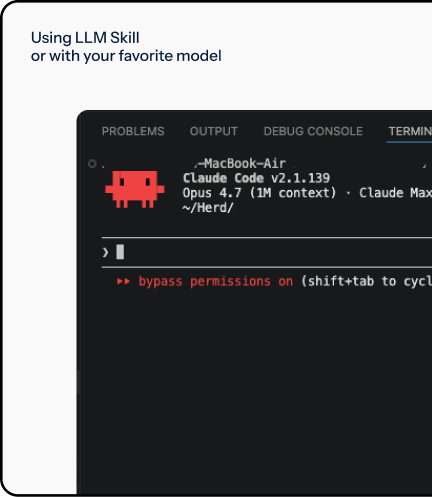
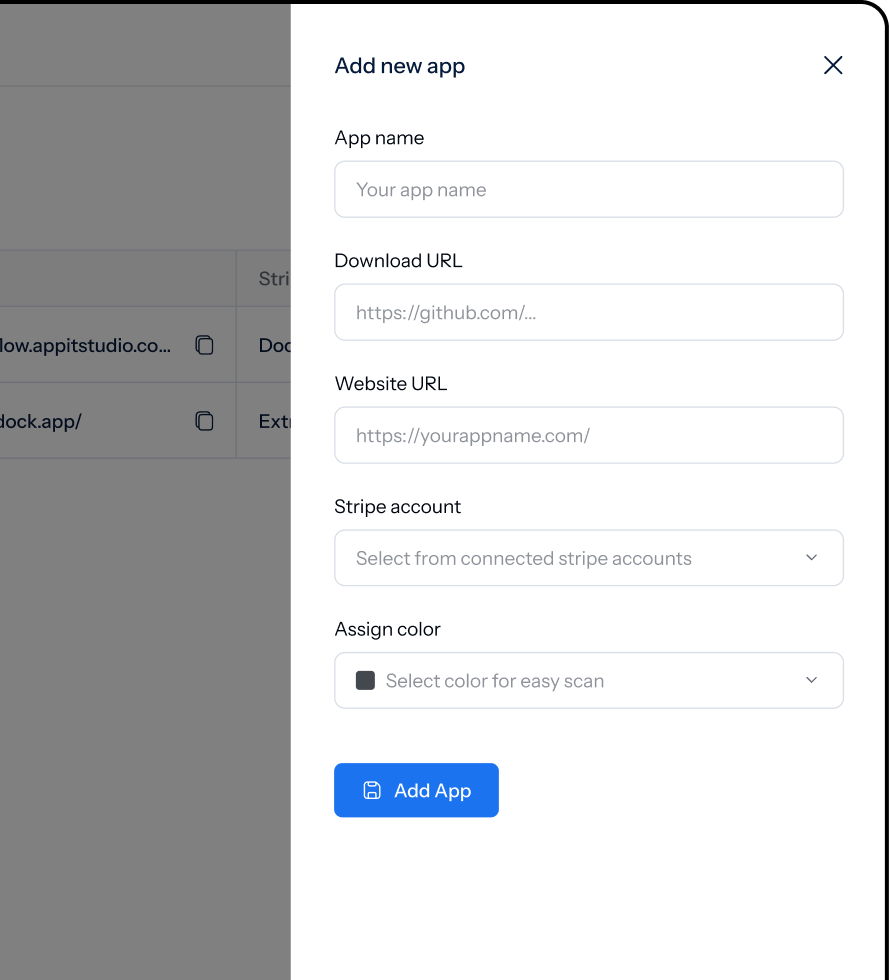
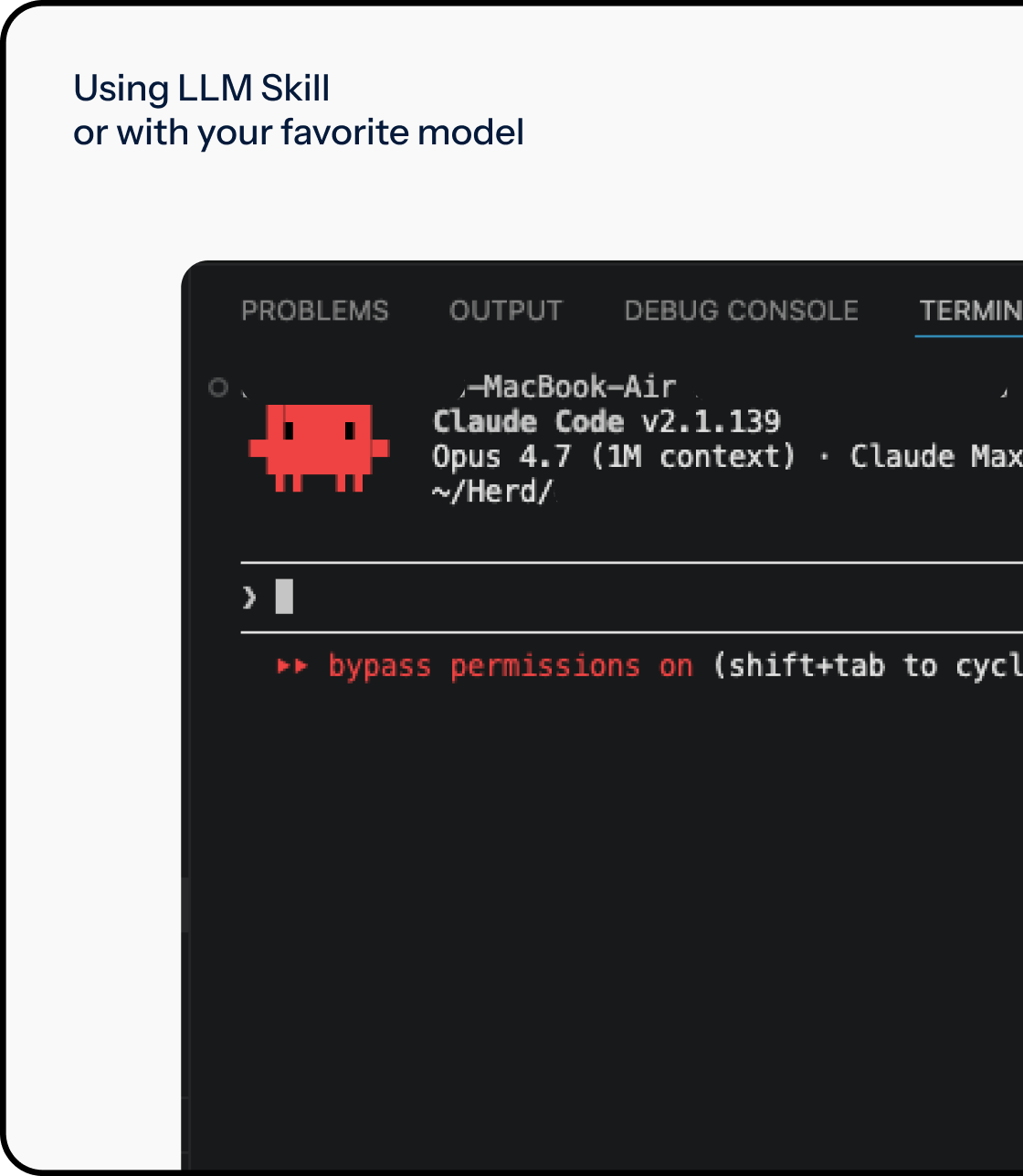
Less than 30 minutes, including tests. Sign up, connect Stripe, pick your plans, and use our LLM skill to wire the Swift SDK into your Mac app. Then run a test purchase to confirm a key generates and your app validates it.

How much does Keyco cost?

[TODO: pricing answer]

Why do I need license management for my Mac app?

Without license management, anyone can share your .dmg and use your Mac app for free. License keys lock the app to paying customers and track activations per device. Skip it and your revenue leaks.

Why do my customers need a self-service portal?

Customers buy new Macs, lose keys, and need to deactivate old devices. Without a self-service portal, every one of those becomes a support email to you. With one, your customers handle it themselves.

How do I add a free trial to my Mac app?

Set an expiration date when issuing the license. The Swift SDK blocks the app once that date passes. When the customer pays, update the license type or extend the expiration — no key swap, no re-activation, no friction.

Ready to ship your Mac app
and start getting paid?

The fastest path between your Mac app and a paying customer. Set up in 30 minutes.